
Let publishers grow your sales
Connect your shop to a network of publishers who know your audience. One integration, a transparent results-based model, and you're live within days.
Benefits for your brand
No risk
You only pay commission when an approved sale or lead comes in. No fixed costs or placement fees.
Scalable reach
Several screened publishers can promote your campaign at the same time. When it works, your reach grows with it.
Fully in your control
Set commissions, deeplink rules, product feeds, approval terms and a basket freeze exactly how you want them.
Fair approval
You approve pending conversions yourself, or have them approved automatically after a preset number of days. If a customer cancels or returns, your shop reverses the conversion automatically.
Real-time insight
Clicks, conversions, revenue and commission: all visible in your dashboard straight away.
Fraud detection
Automated checks on suspicious click behaviour prevent you from paying for empty traffic.
How do you get started?
-
1
Create an account
Enter your company details and complete the short verification. Your dashboard is ready right away.
-
2
Set up a campaign
Set your commission (per sale, lead or click), connect your web shop for an automatic product feed and choose which kinds of publishers and channels you allow.
-
3
Go live
Publishers discover your campaign and immediately send quality traffic to your shop.
Connect your webshop
One integration handles everything at once: click tracking, sales registration, cancellations and returns, and your product feed. For Shopify, WooCommerce and Shopware there is nothing to program; Magento does ask for a technical hand. Working with another platform? Then you connect manually through a server-to-server postback.
Shopify
1-click app- 1 Enter your .myshopify.com domain
- 2 Install the Klatsa app and approve the permissions
- 3 Done, your shop connects itself to the campaign
After that click tracking, sales and product feed sync all run automatically.
WooCommerce
Free plugin- 1 Download the Klatsa plugin as a zip file, with your setup code already in it
- 2 Upload and activate it under WP admin → Plugins. Done, the plugin connects itself
After that click tracking, sales and product feed sync all run automatically.
Magento
Free module- 1 Place the module in app/code/Klatsa/Affiliate
- 2 Run setup:upgrade and cache:flush
- 3 Paste your setup code into the configuration
After that click tracking, sales and product feed sync all run automatically.
Shopware 6
Free app- 1 Download the Klatsa app as a zip file
- 2 Upload it under Extensions → My extensions
- 3 Click Install and then Activate. The campaign is already in it
After that click tracking, sales and product feed sync all run automatically.
Lightspeed eCom
Coming soon- 1 The app is coming to the Lightspeed App Store
- 2 Install it and approve the permissions
- 3 Paste the setup code, nothing else
Do you use Lightspeed? Let us know and we will connect your shop first.
Product feeds
As soon as the integration is active, Klatsa fetches your full product catalogue automatically (usually within fifteen minutes) and keeps it up to date. Publishers promote straight from your products. Excluding single items or whole categories takes a few clicks.
Tracking
Clicks and sales are passed server-to-server and validated with HMAC, so they are immune to ad blockers; cookies only serve as a back-up. Klatsa stores no customer data: only the order value, the currency and a click ID.
Cancellations and returns
The integration works both ways: if you cancel an order or book a return, your shop reports it back straight away and Klatsa reverses the conversion with it. With a partial return the order value and the commission drop along with it. So you never pay commission on revenue you do not keep, not even when it only turns out after approval.
Need a developer?
Not for Shopify, WooCommerce and Shopware: you do that yourself in a few minutes. Magento usually asks for a technical hand. Not technical yourself? Forward the installation to your web developer in one click. The setup code, the download and the step-by-step guide are included.
Frequently asked questions
What does it cost to use Klatsa?
Signing up and setting up your account is free. You pay the publisher's commission plus a 25% markup for Klatsa, only on approved sales or leads. No setup costs and no monthly fee.
How is a sale tracked?
Klatsa works primarily with server-to-server postbacks (HMAC-validated). At the moment of a conversion, your shop reports it to our tracker. Cookies serve only as a backup.
Which webshop platforms can you connect?
Shopify, WooCommerce, Magento and Shopware 6 each have their own Klatsa app or plugin. It handles click tracking, orders, cancellations and the product feed in one go. A Lightspeed eCom app is in development. Any other platform you connect through a server-to-server postback.
What happens when an order is cancelled or changed?
Your shop reports it straight back to Klatsa without you having to do anything. With a full cancellation or return the conversion and the commission lapse. With a partial return we reduce the order value and the commission by the amount refunded. If the commission was already invoiced, Klatsa flags the conversion and we settle the amount on the next invoice.
How do I know whether a sale is legitimate?
Conversions get an approval window (30 days by default for sales). During that time you can reject conversions for returns, fraud or invalid orders.
Do you also work with lead generation?
Absolutely. Besides pay-per-sale we support pay-per-lead, pay-per-click and hybrid models.
Do I need a developer to connect my shop?
Not for Shopify (1-click app) and WooCommerce (upload the plugin and paste the setup code), you arrange that yourself in a few minutes. Magento usually asks for a technical hand, because the module is installed through the server. Any installation can be emailed to your web developer in one click; they receive the setup code, the download and the step-by-step guide.
How do my products get into the network?
As soon as your platform integration is active, Klatsa fetches your product catalogue automatically, usually within fifteen minutes, and syncs it periodically. Publishers promote straight from your feed. You can exclude single products or whole categories.
Read also
All articles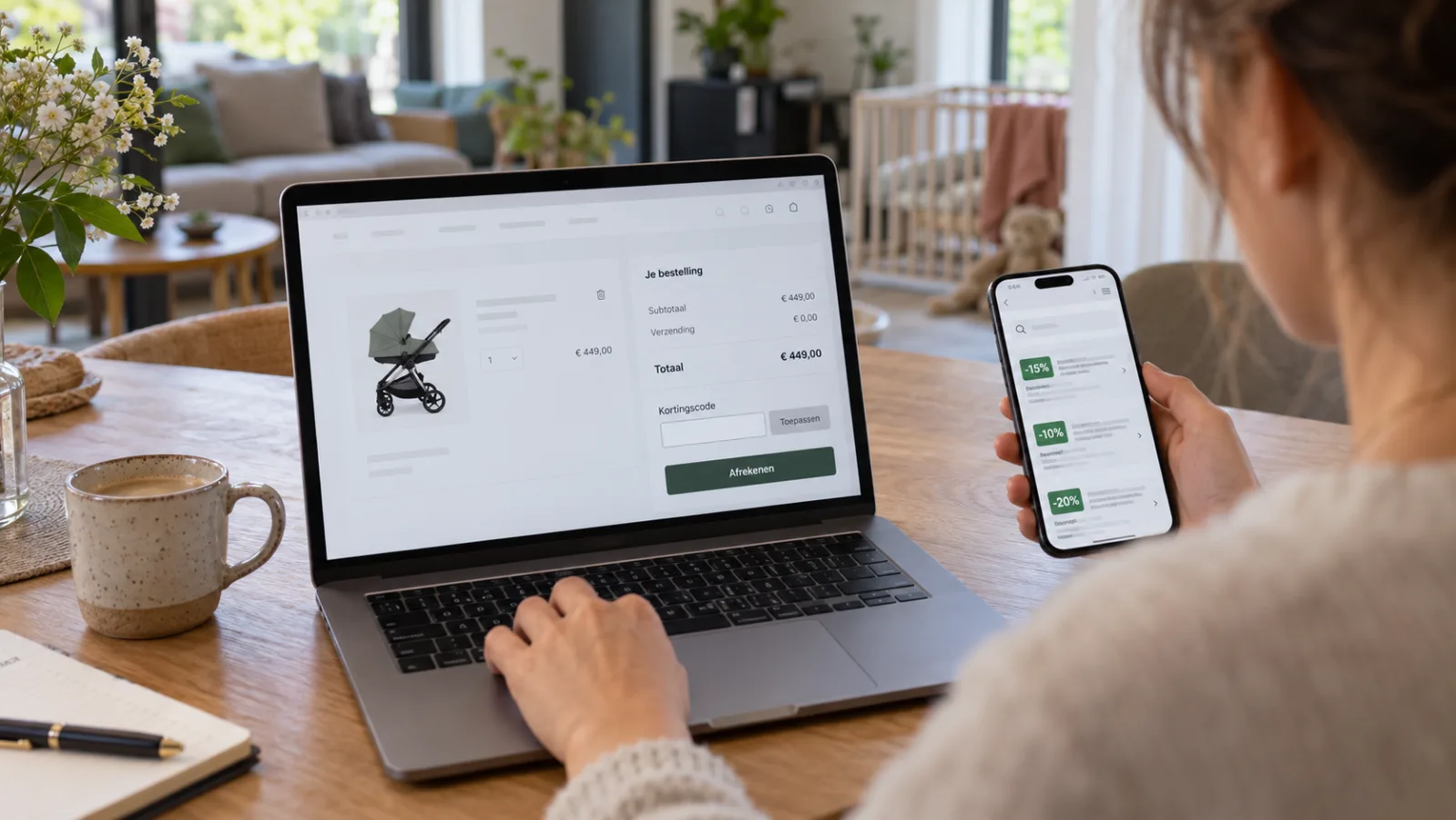
Why 'last cookie wins' is not always the right attribution
The last click gets the commission. Sounds fair, but a click at the very last moment can claim a sale that was already done. What the alternatives are, and what Klatsa does with a basket freeze per campaign.
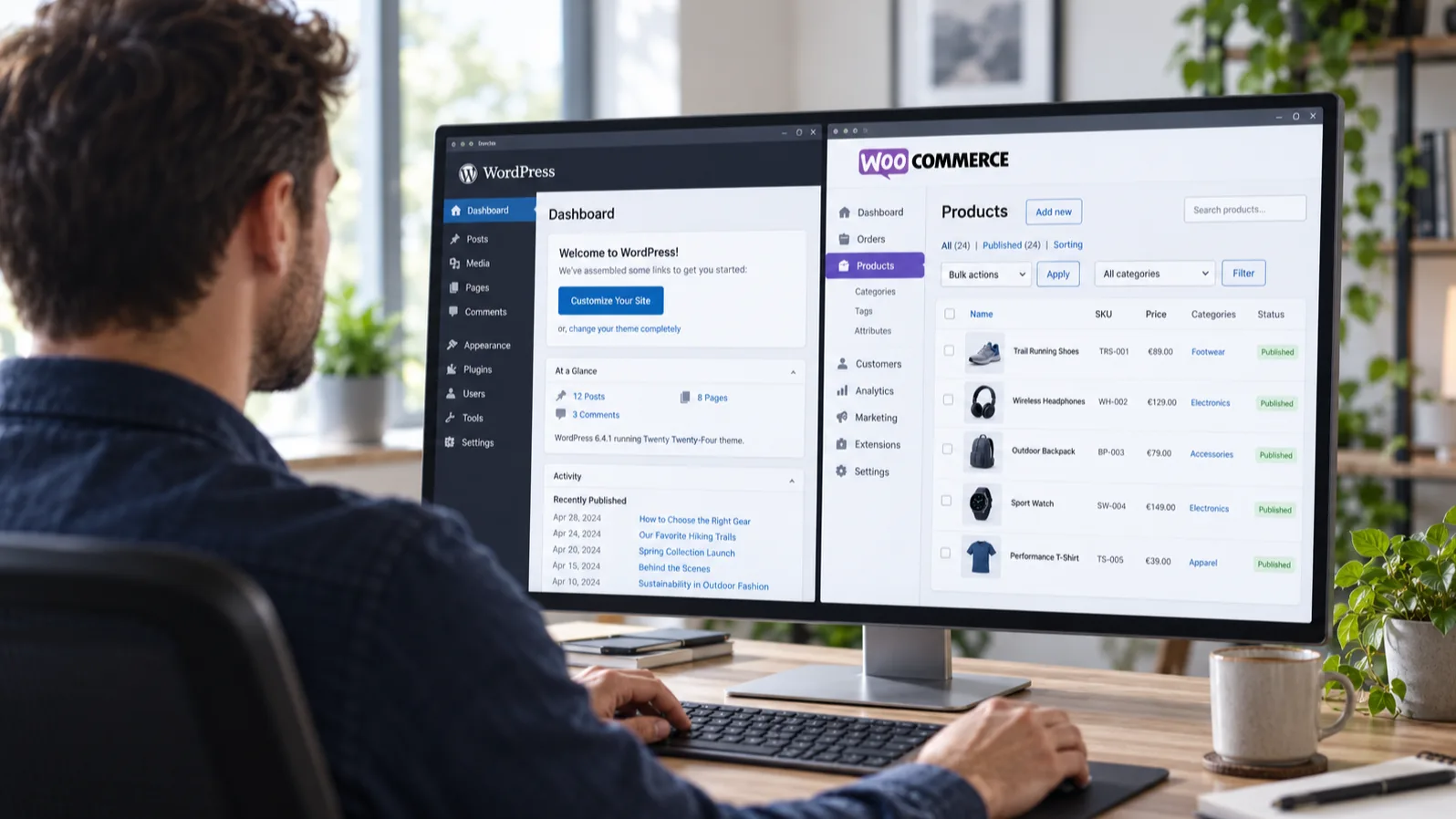
Connecting WooCommerce to affiliate: why a plugin sees more than a pixel
A tracking pixel on the thank-you page misses adblockers, abandoned checkouts and every cancellation afterwards. On WordPress that is not necessary: the order goes back server to server and corrections come with it.

Tracking broken, nobody notices: how Klatsa detects outages early
A publisher faithfully sends traffic, but the tracking has been broken for three days. Nobody has seen an error message. How Klatsa detects this kind of silent outage before it lasts a week.
Ready to grow your sales?
Create an advertiser account and launch your first campaign within one business day.