Connecting WooCommerce to affiliate: why a plugin sees more than a pixel
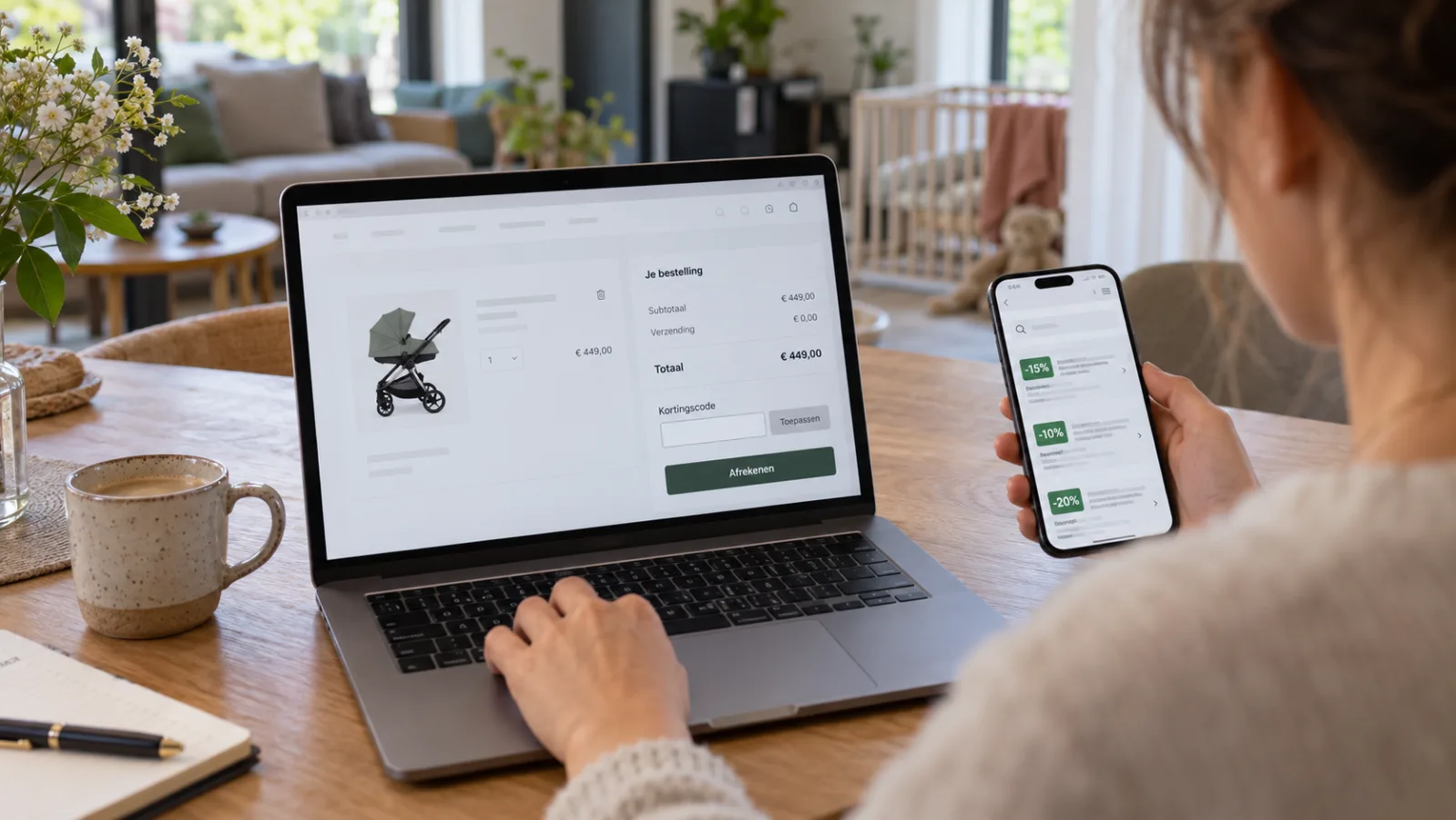
A tracking pixel on the thank-you page misses adblockers, abandoned checkouts and every cancellation afterwards. On WordPress that is not necessary: the order goes back server to server and corrections come with it.
 By Jeroen Jaspers
·
·
7 min read
By Jeroen Jaspers
·
·
7 min read
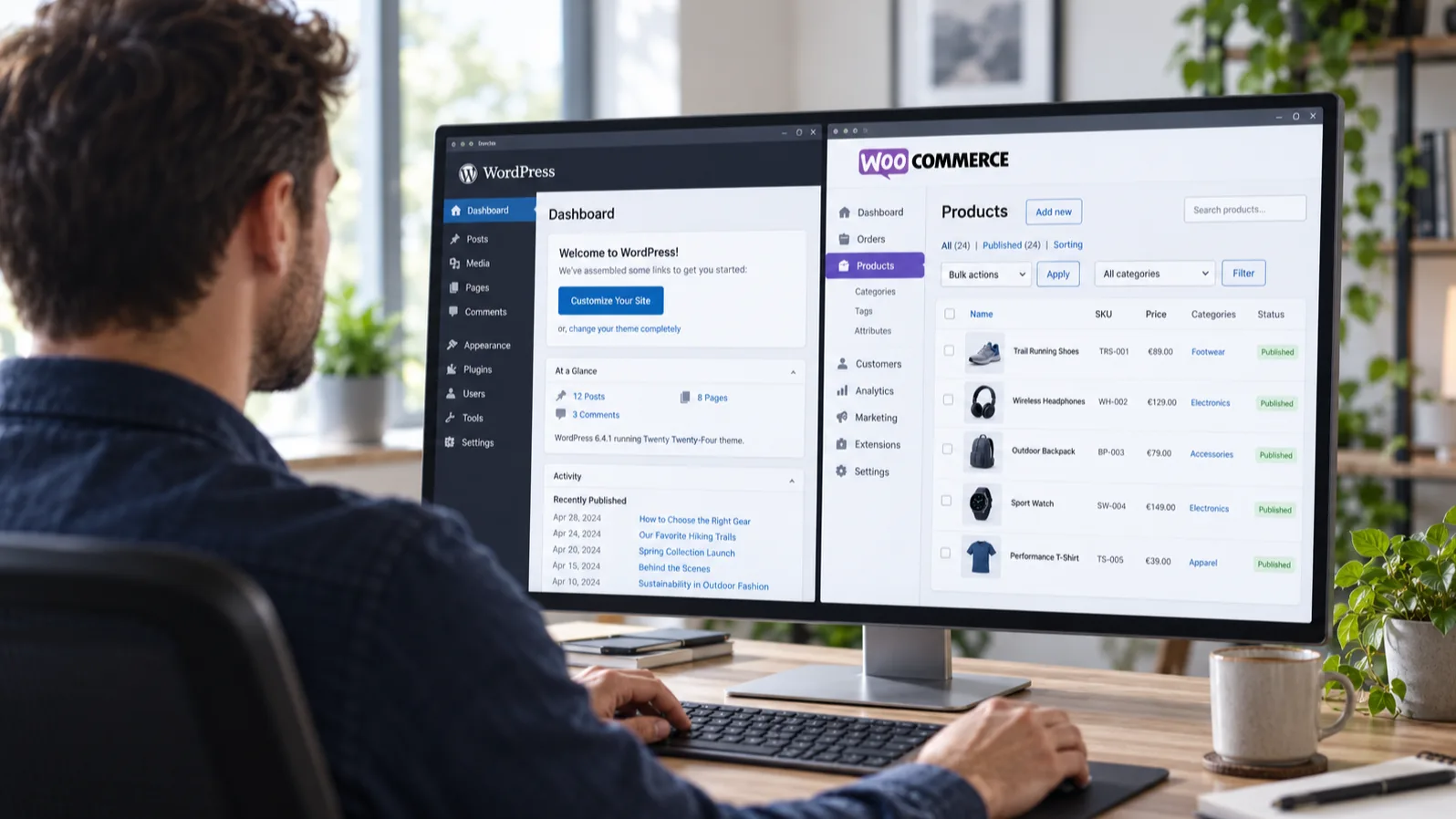
You have a WooCommerce shop and you want affiliates to sell for you. The classic approach is to paste a bit of JavaScript on the thank-you page and hope for the best. That works, until it does not. And then you only notice weeks later, when a publisher asks why their conversions are at zero.
For WordPress and WooCommerce there is a better way, because there you are not tied to the browser. You run your own PHP. That is exactly what our plugin does.
Why a pixel on the thank-you page falls short
A tracking pixel is a script that loads in the buyer's browser at the moment the order is completed. That sounds simple, and it is, but there are quite a few ways in which that one second goes wrong.
Adblockers. A sizeable share of Dutch visitors blocks external scripts. No script, no conversion, no commission. The sale has been made, only nobody sees it.
The thank-you page is never reached. An iDEAL return that hangs, a buyer who closes the tab after paying, a payment provider that returns to a different URL than expected. The order is in WooCommerce, the pixel never fired.
Content Security Policy. A strict CSP on your shop blocks the loading of third-party scripts. Often set by a security plugin or your host, without anyone thinking about tracking.
Corrections never come through. A pixel fires once, at the order. If the customer cancels a week later, or you refund part of it, the sale simply stays in the network. You pay commission on revenue you did not make.
That last point is the most expensive one for advertisers and the most unfair one for publishers. Because a network that does not see corrections corrects them another way: with a long approval period and manual rejections.
What the Klatsa plugin does differently
The plugin does three things, and all three happen on your server rather than in the buyer's browser.
1. Holding on to the click
A visitor arrives through a publisher link with ?aff_click_id=... in the URL. The plugin picks up that parameter and stores it in three places at once: a 90-day cookie, localStorage, and a server-side fallback in case the browser refuses the cookie. As soon as the visitor checks out, the click ID is saved on the order itself as order meta.
From that moment on, the link between click and order no longer depends on the browser. It is in your database.
2. Reporting the order back
When WooCommerce sets the order to paid, the plugin sends a server-to-server message to Klatsa. Signed with HMAC, so we know for certain that the message comes from your shop and was not altered on the way. Idempotent, so an order that changes status twice does not produce a duplicate sale.
No browser, no JavaScript, no adblocker in the way. The only way this does not arrive is if your server cannot reach us at all.
3. Sending cancellations and refunds along
If you cancel an order, or refund it in full, the sale lapses in Klatsa. On a partial refund the order value falls and we recalculate the commission proportionally.
This is the point at which a plugin pays for itself. You pay commission on what was really sold, and your publisher does not have to wait for a 60-day approval period to expire because the network would otherwise be unsure.
The product feed is part of it
Publishers running comparison or content sites want to show your products with the right price and stock level. Usually that means a separate feed plugin, an XML file written away somewhere every night, and a URL somebody has to pass on by hand.
The Klatsa plugin delivers the feed through its own REST endpoint, secured with the same HMAC key. We fetch it page by page and process, per product, the price including VAT, any sale price, the image, the EAN and the stock status. No separate file that can go stale, no second plugin, no cron job on your shop.
And because we log every sync with its time, status code and number of products, we notice when a feed suddenly shrinks from 4,800 to 12 products. That is usually not a clearance sale but an outage.
Installation takes about a minute
We have taken out the most tedious step, which is typing over keys.
- You get an installation link from us with a setup code. The zip you download there already has your code in it.
- In WordPress: Plugins, Add new plugin, Upload plugin, activate.
- The plugin connects itself on activation. On the settings page there is a Test connection button.
After that you place one test order. It appears on the settings page with a green notice, stays out of your sales and revenue figures, and is cleaned up by us as soon as the campaign goes live. That way you know the chain works before a real publisher is on it.
The plugin works on WordPress 6.0 and higher with WooCommerce 7.0 and higher, and needs at least PHP 7.4. Updates arrive through the normal WordPress update notice, including the list of changes, and you can switch on automatic updates if you would rather not think about it.
Two things we check together when connecting
On the vast majority of WooCommerce shops it works straight after installation. Even so, we go through two points together when connecting, so that you know for certain no click is lost along the way.
Where your order is created. The click ID belongs to your own domain and is put on the order at the moment WooCommerce creates it. In an ordinary shop that happens on your own site, even if the customer then goes to iDEAL or another payment page. If you work with a headless or external checkout on another domain, we will check with you that the click ID comes along properly.
Redirects that shorten your link. A publisher link arrives with a parameter in the URL. The plugin reads it both on your server and in the page itself, so a page cache or CDN is no problem. Only if a redirect rule or a canonical setting strips those parameters from the URL before your page loads is the click gone before anyone can see it. We test that in one go when connecting.
If something big changes later, such as a new theme, a different payment plugin or a move to another host, one test order is enough to know that everything still runs. In doubt? Send us a message and we will happily take a look.
Getting started
On WooCommerce you do not have to leave affiliate tracking to the browser. The click lands in your own database, the order goes back server to server, and corrections come with it. For you that means commission on real revenue. For your publishers it means they do not have to wait out a long approval period, because the network simply sees what happened.
Ready to start? Register as an advertiser and we will send you an installation link with your own setup code. Would you rather talk the setup through first? Email info@klatsa.nl and we will think along with you.
Ready to get started with affiliate marketing?